Less typing.
Instant output.
Better profit.
What's the point of typing?
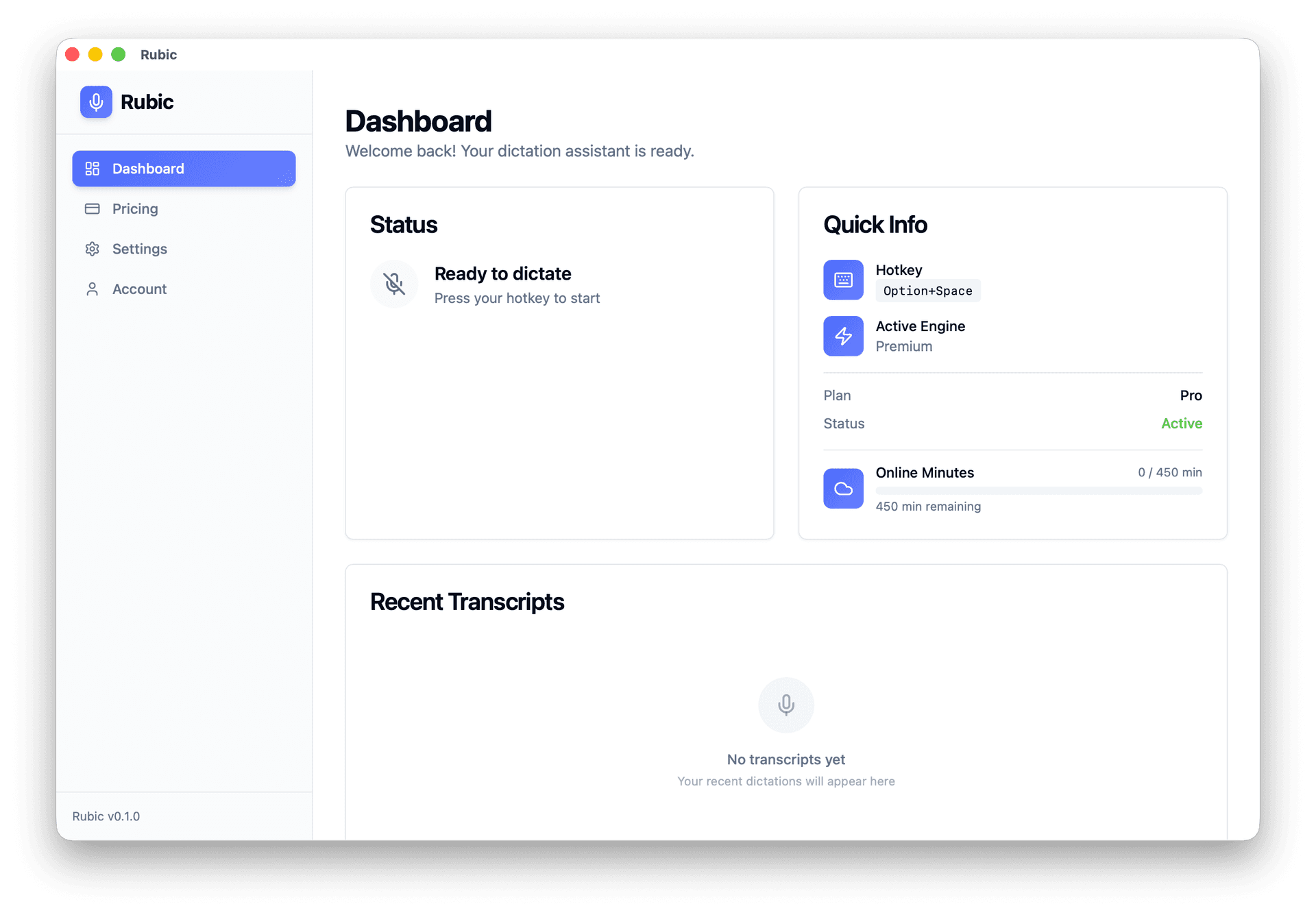
Just say what you need. Rubic instantly converting your speech into a ready mail, prompt, document or any other type of text right into an active field.
While others are typing - you're earning.
Used by 1,008+ people · Windows · macOS · Linux
Sound familiar?
Dictated — then spent an hour editing
Voice notes can't just be pasted into ChatGPT
Writing prompts manually every time
Same thing, over and over, 5 minutes per prompt
Switching between windows
Copy, switch, paste — lost my train of thought
How it works
Three seconds from voice to result
Press hotkey
Hold ⌥ Space wherever your cursor is.
Speak
Rubic records and transcribes in the background.
Done
The text appears in the active field automatically.
Raw input
so basically we've been looking at the onboarding flow uh and I think the main issue is users are dropping off at step three because there's too much information all at once um we should split it into smaller steps and add progress indicators so people know where they are uh yeah that would help a lot
Clean output
Basically, we've been looking at the onboarding flow and I think the main issue is users are dropping off at step three because there's too much information all at once. We should split it into smaller steps and add progress indicators so people know where they are. That would help a lot.
02 / POST-PROCESSING
ProRaw dictation → clean text
Automatically removes filler words, adds punctuation, formats paragraphs. You speak naturally — get a polished document.
03 / PROMPT MODE
ProVoice → ready prompt for any AI
Say the task. Skip the prompt writing. You know what you want from Al -- but turning that thought into a clear prompt takes time. Describe the task in plain language, and Rubic adds the role, context, steps, and output format so ChatGPT or Claude understands it the first time.
Hold ⌥ Space → speak → structured prompt inserted into any app
Simple pricing
Start free. Upgrade when ready.
Free
- Unlimited transcription (all local models)
- Instant dictation
- Limited personalization
- Insert into active input
- Works anywhere (Slack, Gmail, Cursor, etc.)
- 100+ languages supported
Pro
Everything in Free, plus:
- Online transcription (unlimited)
- Prompt Mode — voice to ready prompt
- Post-processing — clean text
- Full personalization across apps and tasks
- Optimized speed and reliability
- Increased dictation length
- Priority support
No hidden fees · Cancel anytime · Data stays on your device
Frequently asked questions
What people say
Join thousands of people who dictate smarter every day
“I bill by project, not by hour, so every saved minute matters. Rubic cuts the dead time between thinking and writing. I finish briefs faster, send them sooner, and can fit in an extra project most weeks.”
Chris М.
Brand designer, briefs and client emails
“I used to avoid writing outreach because it took too much energy after calls. With Rubic, I talk through the offer, turn it into a clean message and send more follow-ups in half the time. That alone helped me close more work last month.”
Mark N.
Sales consultant, outbound and follow-ups
“Before Rubic, I used to spend my evenings turning messy voice notes into client-ready updates. Now I dictate after each cal, clean it up ir one pass, and send it before I leave the desk. I'm taking on more client work without adding more hours.”
Anna К.
Freelance consultant, client updates and proposals
Start today
Try it right now
Free. Works offline.
Windows · macOS · Linux · v1.0.4